AI at Work - Website Summaries
Author: Tracy Conner on behalf of the AI Committee
Date: 01-17-2025
Article Description: A look at one AI tool that might be useful in your day-to-day work.
Article Thumbnail: 
With so much AI available, it's understandable that getting started can feel overwhelming. Over the coming months, the AI Committee will be sharing a series of articles to introduce practical AI tools that you can incorporate into your daily work. These articles are designed to highlight AI tools that KCC employees are already using and finding valuable.
If you're looking for guidance or need a little nudge, these resources will provide practical examples and tips to help you explore and use AI with confidence. Have a tool that we should feature? Send your suggestion and a description of how you're using it to Tracy Conner.
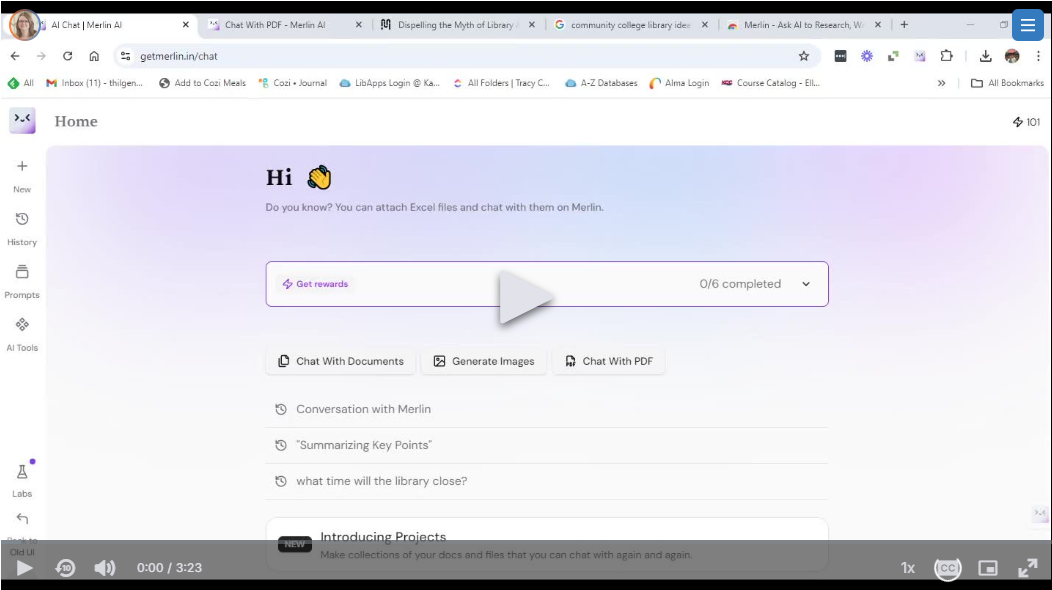
For this first installment, we're taking a look at AI browser extensions that can help you summarize webpages and search results. The amount of information available to us continues to grow and sorting through it all can feel overwhelming and time-consuming. AI-powered browser extensions can help you simplify this process, save time, and focus on your goal. There are many different AI tools that do these tasks, but one that is recommended by members of the committee is a free extension called Merlin.
1. Quickly Grasp Key Points
Researching or reviewing documents? Merlin distills lengthy articles and reports into concise summaries with a single click. No more information overload—just the essential details.
2. Save Time on Decision-Making
Merlin extracts the main points from complex documents like reports, handbooks, or journal articles, enabling you to focus on critical insights and make faster, informed decisions.
3. Simplify Complex Documents
Legal contracts and research papers can be daunting, but Merlin makes them manageable by breaking down dense content into digestible summaries.